


1. Product Description
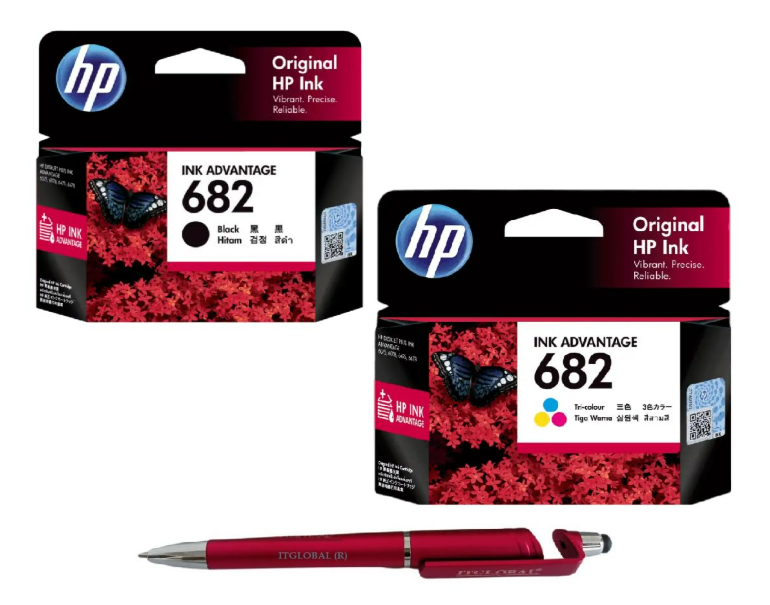
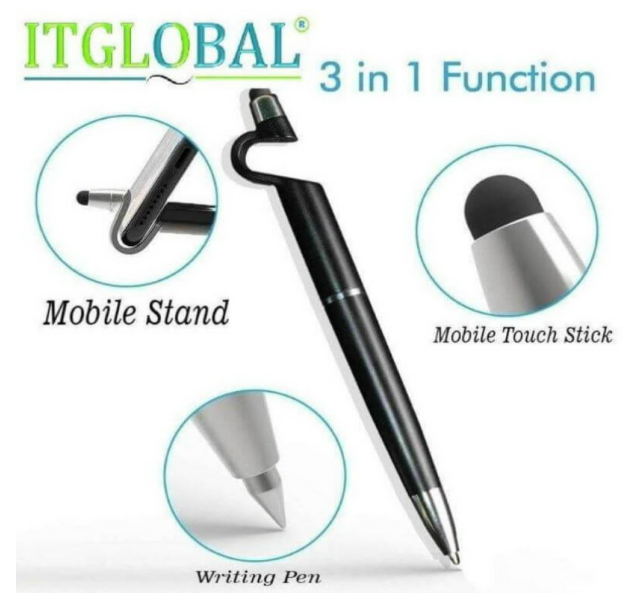
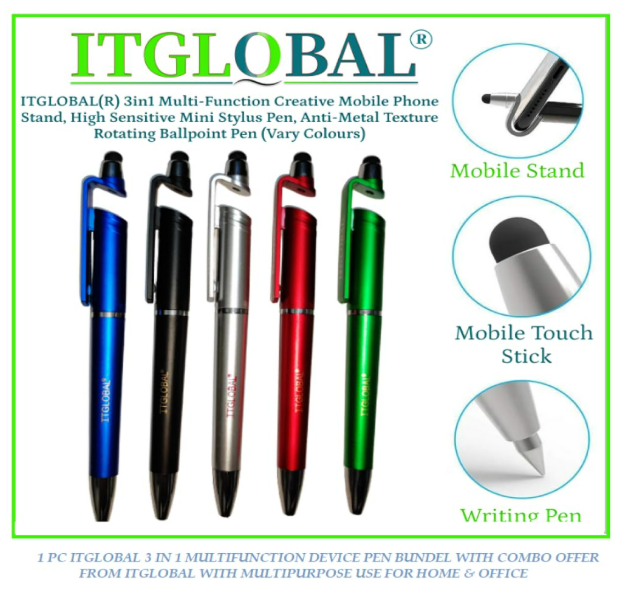
Enhance your printing and writing experience with the HP 682 Tri-Color Original Ink Cartridge Combo Pack featuring a premium multi-function anti-metal ballpoint pen. Designed for HP Ink Advantage printers, this genuine HP cartridge delivers vibrant colors, sharp graphics, and reliable print quality for home, office, and educational use. The included smooth-writing pen adds extra convenience for daily tasks and professional work.
2. Key Features
- Genuine HP 682 Tri-Color Original Ink Cartridge
- Includes multi-function anti-metal ballpoint pen
- Produces vivid color prints and sharp graphics
- Reliable compatibility with HP Ink Advantage printers
- Smudge-resistant and fade-resistant print quality
- Smooth-writing premium ballpoint pen included
- Easy cartridge installation and dependable performance
3. Highlights
- Complete printing and writing combo pack
- Vibrant tri-color ink for photos and documents
- Original HP ink technology for reliable output
- Comfortable and durable ballpoint pen
- Perfect for office, school, and home use
4. Product Information
| Attribute | Details |
|---|---|
| Brand | HP |
| Model | HP 682 |
| Ink Color | Tri-Color |
| Product Type | Ink Cartridge + Pen Combo |
| Printing Technology | Inkjet |
| Compatibility | HP Ink Advantage Printers |
| Pen Type | Multi-Function Ballpoint Pen |
| Condition | New |
5. About this Item
The HP 682 Tri-Color Original Ink Cartridge Combo Pack combines reliable printing performance with practical everyday writing convenience. The genuine HP cartridge delivers rich colors and professional-quality output, while the included anti-metal ballpoint pen ensures smooth and effortless writing. Ideal for students, professionals, and home office users looking for value and functionality in one package.
6. Specifications
- Product Type: Ink Cartridge & Pen Combo Pack
- Brand: HP
- Model Number: 682
- Ink Color: Tri-Color
- Printing Technology: Inkjet
- Compatibility: HP Ink Advantage Series Printers
- Pen Type: Ballpoint Pen
- Installation Type: Easy snap-in cartridge installation
- Print Quality: High-resolution color printing
- Usage: Home, office, school, business
How to Use
Ink Cartridge Installation
- Turn on your HP printer.
- Open the cartridge access cover.
- Remove the old cartridge carefully.
- Unpack the HP 682 Tri-Color cartridge.
- Remove the protective tape before installation.
- Insert the cartridge into the color slot.
- Close the printer cover securely.
- Wait for automatic alignment and print a test page.
Using the Ballpoint Pen
- Open or twist the pen mechanism.
- Write smoothly on paper or documents.
- Close the pen properly after use to maintain ink quality.


Reviews
There are no reviews yet.